The indie game market is worth $5.5 billion in 2026, pixel art games are growing at 11.5% annually, and sprite sheets are still the backbone of 2D animation. This guide covers everything from packing algorithms to AI-assisted workflows — plus the numbers that prove pixel art isn't just nostalgia anymore.
Pixel Art Didn't Come Back — It Never Left
There's a persistent myth that pixel art is a retro trend riding on nostalgia. The numbers tell a different story. The indie game market grew from $4.85 billion in 2025 to an estimated $5.54 billion in 2026, and it's forecast to reach $10.83 billion by 2031. Within that, the pixel game market is expanding at 11.5% CAGR — outpacing many "modern" art styles.
Why? Because pixel art solves real problems:
- It runs on everything. A pixel art game works on a ten-year-old laptop, a budget phone, and a Steam Deck without breaking a sweat.
- Small teams can ship it. A solo dev can produce professional-quality pixel art assets in a fraction of the time it takes to create 3D models with textures, rigging, and lighting.
- Players love it. Premium pixel art titles retained 60% of indie market share in 2025. People pay for these games and don't expect them to be free-to-play.
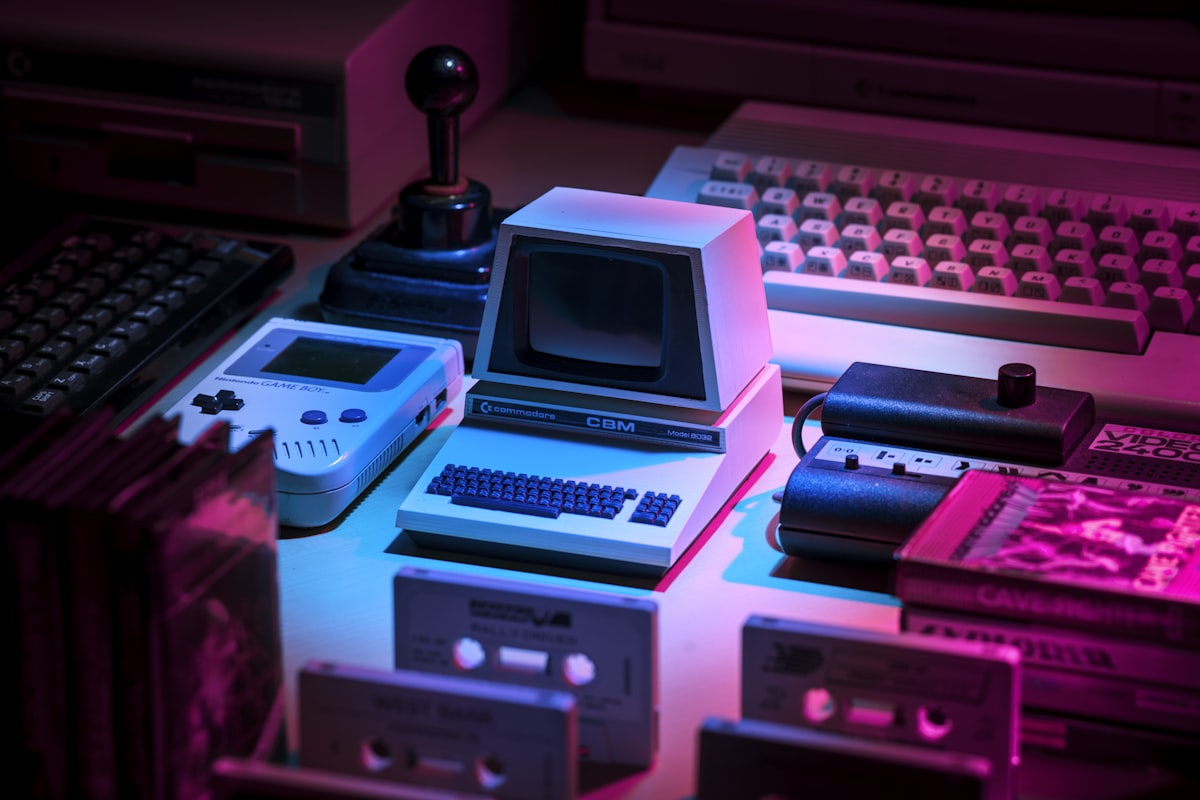
And the style has evolved far beyond its 8-bit roots. Modern pixel art uses parallax scrolling, dynamic lighting, particle effects, and isometric perspectives that would've been unimaginable on an NES. Games like Celeste, Dead Cells, and Eastward proved that pixel art can be breathtakingly beautiful — and commercially massive.
What Exactly Is a Sprite Sheet?
If you're new to game dev, here's the short version: a sprite sheet is a single image file containing every animation frame for a character, object, or effect — laid out in a grid.
Instead of loading 24 separate PNG files for a walk cycle, your game engine loads one image and reads through it frame by frame. That's it. Simple concept, huge impact.
Why Not Just Use Individual Frames?
Performance. Every separate image file means a separate draw call to the GPU. Sprite sheets reduce draw calls by 80–95% and use 60–70% less memory compared to individual frame files. In a WebGL game, that can be the difference between 60fps and 45fps.
Here's what a typical sprite sheet workflow looks like:
- Draw your frames — in Aseprite, Piskel, or any pixel editor
- Pack them into a sheet — using a sprite sheet generator
- Import into your engine — Godot, Unity, Construct, or web canvas
- Define the animation — set frame dimensions, frame count, and playback speed
The bottleneck is step 2. Drawing frames is creative work. Importing is mechanical. But packing frames into a clean, optimized sheet? That's tedious busywork that a tool should handle for you.
Sprite Sheet Optimization: The Technical Details
Not all sprite sheets are created equal. A poorly packed sheet wastes GPU memory and can cause visual glitches. Here's what matters:
Frame Padding
Always add at least 1px of padding between frames. Without it, you'll get "texture bleeding" — tiny slivers of adjacent frames showing at the edges during animation. This is especially visible at non-native zoom levels.
Power-of-Two Dimensions
GPUs are optimized for textures sized in powers of two: 256x256, 512x512, 1024x1024, and so on. A 1000x1000 sprite sheet gets padded to 1024x1024 internally anyway — wasting memory. Design your sheets to fit these dimensions from the start.
Packing Algorithms
| Algorithm | Best For | Trade-off |
|---|---|---|
| MaxRects | Sprites of varying sizes | Minimizes wasted space, slower to generate |
| Shelf Packing | Uniform-height frames (walk cycles, attacks) | Fast and efficient for consistent frame sizes |
| Guillotine | Mixed sizes with speed priority | Good compromise between space and speed |
For most pixel art games, Shelf Packing is all you need — your character frames are almost always the same height.
File Format
| Format | Compression | Transparency | Best Use |
|---|---|---|---|
| PNG | Lossless | Full alpha | Universal — works everywhere |
| WebP | 20–30% smaller (lossless) | Full alpha | Web games, mobile — 40% smaller lossy |
| AVIF | Best compression | Full alpha | Future-proof, growing engine support |
For pixel art specifically, PNG is still king because every engine, browser, and tool supports it without question. If you're building for web or mobile and need smaller files, WebP lossless gives you 20–30% savings with zero visual difference.

The Pixel Art Workflow: From Blank Canvas to Playable Game
Whether you're a seasoned artist or someone who can barely draw a stick figure, here's a practical workflow that works in 2026.
Step 1: Lock In Your Style Rules
Before you draw a single pixel, decide on these constraints and never deviate:
- Resolution: 16x16 is the sweet spot for most first games. Detailed enough to read, small enough to produce quickly.
- Palette: Pick a limited palette and commit. Popular choices: Endesga 32 (32 colors), Sweetie 16 (16 colors), or Resurrect 64 (64 colors).
- Outline style: Black outlines? Dark fill-color outlines? No outlines? Pick one.
- Lighting direction: Top-left or top-right? Consistency sells the illusion.
- Perspective: Side view, top-down, or isometric? This affects every asset you make.
Step 2: Build Your Character
Start with the idle pose — it's the frame players see most. Get the proportions and silhouette right here before animating anything. A good pixel art character is readable as a 4-pixel-tall thumbnail.
For a top-down game, you need at least 4 directional sprites (up, down, left, right). For a side-scroller, you can get away with one direction and mirror it.
Step 3: Animate with Minimal Frames
You don't need 24 frames per second. Pixel art thrives on economy:
- Idle: 2–4 frames (subtle breathing or blinking)
- Walk cycle: 4–6 frames
- Run: 4–6 frames
- Attack: 3–5 frames
- Jump: 2–3 frames (launch, apex, land)
Use cyclic animations wherever possible. A 4-frame walk cycle looped looks perfectly smooth at 8–12 fps.
Step 4: Pack into a Sprite Sheet
This is where you take all those individual frames and combine them into a single, organized image. You can do this manually in an image editor — aligning every frame by hand, making sure the spacing is consistent, double-checking dimensions...
Or you can drop your frames into a sprite sheet generator and have it done in seconds.
Ready to pack your frames?
Drag and drop your pixel art frames, pick your layout, and export a clean sprite sheet. Free, instant, no signup.
Step 5: Import and Animate in Your Engine
Every major engine handles sprite sheets differently, but the concept is the same:
Godot: Create an AnimatedSprite2D node, load your sheet in SpriteFrames, set Hframes and Vframes to match your grid layout.
Unity: Import the PNG, set Sprite Mode to "Multiple" in the Inspector, use the Sprite Editor to slice by grid, then create an Animation Controller.
Construct: Right-click your sprite, choose "Edit animations," import the strip, and set frame speed.
Web (Canvas/WebGL): Draw a subsection of the sheet using drawImage(img, sx, sy, sw, sh, dx, dy, dw, dh) and advance the source coordinates each frame.
AI-Assisted Sprite Workflows in 2026
The biggest shift in pixel art game dev this year is AI. Not replacing artists — accelerating them.

AI sprite generators like PixelLab and Retro Diffusion can produce character sprite sheets from text descriptions in 15–30 seconds. Manually, that same work takes 2–8 hours. The developers who are finishing games in 2026 aren't choosing between manual and AI — they're using both.
A practical hybrid workflow looks like this:
- Generate a base with AI — get the pose, proportions, and palette close
- Clean up in Aseprite — fix inconsistencies, adjust colors to your palette, add personality
- Animate manually — AI-generated walk cycles often feel stiff; hand-tweaking 2–3 frames makes them feel alive
- Pack into a sprite sheet — generate your sheet with proper padding and dimensions
The key insight: AI is best at the boring, repetitive parts (generating 4 directional variants, filling in between-frames, producing placeholder assets for prototyping). The creative decisions — what makes your character yours — still come from you.
:::callout Free resources to jumpstart your project:
- OpenGameArt — thousands of free, open-licensed sprite sheets
- itch.io Asset Store — both free and paid pixel art packs
- Liberated Pixel Cup — browser-based character generator with modular parts :::
Common Mistakes That Kill Pixel Art Games
After researching dozens of post-mortems and developer guides, these are the pitfalls that trip up indie devs most:
Inconsistent resolution. Mixing 16x16 characters with 32x32 tiles and 48x48 UI elements looks broken. Pick one base resolution and scale uniformly.
Too many colors. Constraints breed creativity. A 16-color palette forces you to make smart choices. Unlimited colors lead to muddy, incoherent art.
Perfectionism before prototyping. Don't spend weeks perfecting your walk cycle before you know if the gameplay is fun. Get something playable with colored rectangles within the first week. Art comes later.
Ignoring sprite sheet optimization. Shipping a 4096x4096 PNG full of wasted transparent space because you didn't pack your frames properly. Your mobile players will feel it.
Not testing at 1x zoom. Your pixel art should read clearly at its native resolution, not just zoomed in 400% in your editor. If your character isn't recognizable as a tiny sprite, the design needs work.
The Numbers Don't Lie
Here's why 2026 is an exceptional time to be making pixel art games:
- The indie game market is growing at 14.3% CAGR through 2031
- Mobile commands 51% of indie game revenue — and pixel art runs beautifully on mobile
- Pixel game market expanding at 11.5% annually
- Premium (paid) games still hold 60% of indie market share — players will buy your game
- AI tools have cut asset production time by 50–75% for solo devs
- Free tools like Sprite Sheet Generator eliminate the tedious parts of the pipeline
The barrier to entry has never been lower. The market has never been bigger. The tools have never been better.
Whether you're building your first platformer or your fifth RPG, the fundamentals haven't changed: draw your frames, pack your sheets, ship your game. The only question is how fast you can move from idea to playable — and that's exactly what a good sprite sheet workflow is for.
Photos via Unsplash — free for commercial use.