Beginner · 6 min
Getting Started: Build Your First Sprite Sheet in 5 Minutes
A screen-by-screen walkthrough: import an image, slice it into frames, arrange the grid, preview the animation, recolor, and export for your engine.
Read guide →
Upload sprites. Pack them into sheets. Preview animations. Export. That's it.
Upload your sprites
Drag and drop sprite images or a JSON atlas
PNG, JPG, GIF, WebP and JSON
PNG · JPG · GIF · JSON. Drop and go.

Drag a batch, browse your files, or paste one big sheet and let it split.
Reorder cells and set how many columns each row should hold.
Scrub the animation and dial the frame rate until it feels right.
Export as PNG, or JSON, ZIP, or GIF if your engine prefers it.
A sprite sheet packs every frame of a 2D animation into one image, with a JSON, XML, or CSS atlas your engine reads to play it back. Build one from loose PNGs, a frame folder, or an animated GIF.
Edit, organize, and optimize directly in the browser.
Pencil, eraser, bucket, and shapes for frame-by-frame editing.
Shift hue, saturation, brightness, and contrast for instant palette swaps.
Pack sprites tightly with MaxRects bin packing.
Dial in spacing and padding for pixel-perfect sheets.
Scrub through frames and tweak FPS before exporting.
Exports work with Unity, Godot, Phaser, GameMaker.
Opens in any browser. Nothing to download.
Upload dozens of sprites at once and arrange in place.
PNG, JSON, ZIP, GIF. Whatever your engine needs.
Want the full breakdown? See all features.
Import, arrange, animate, draw, recolor, export. Six steps, one browser tab, no account.
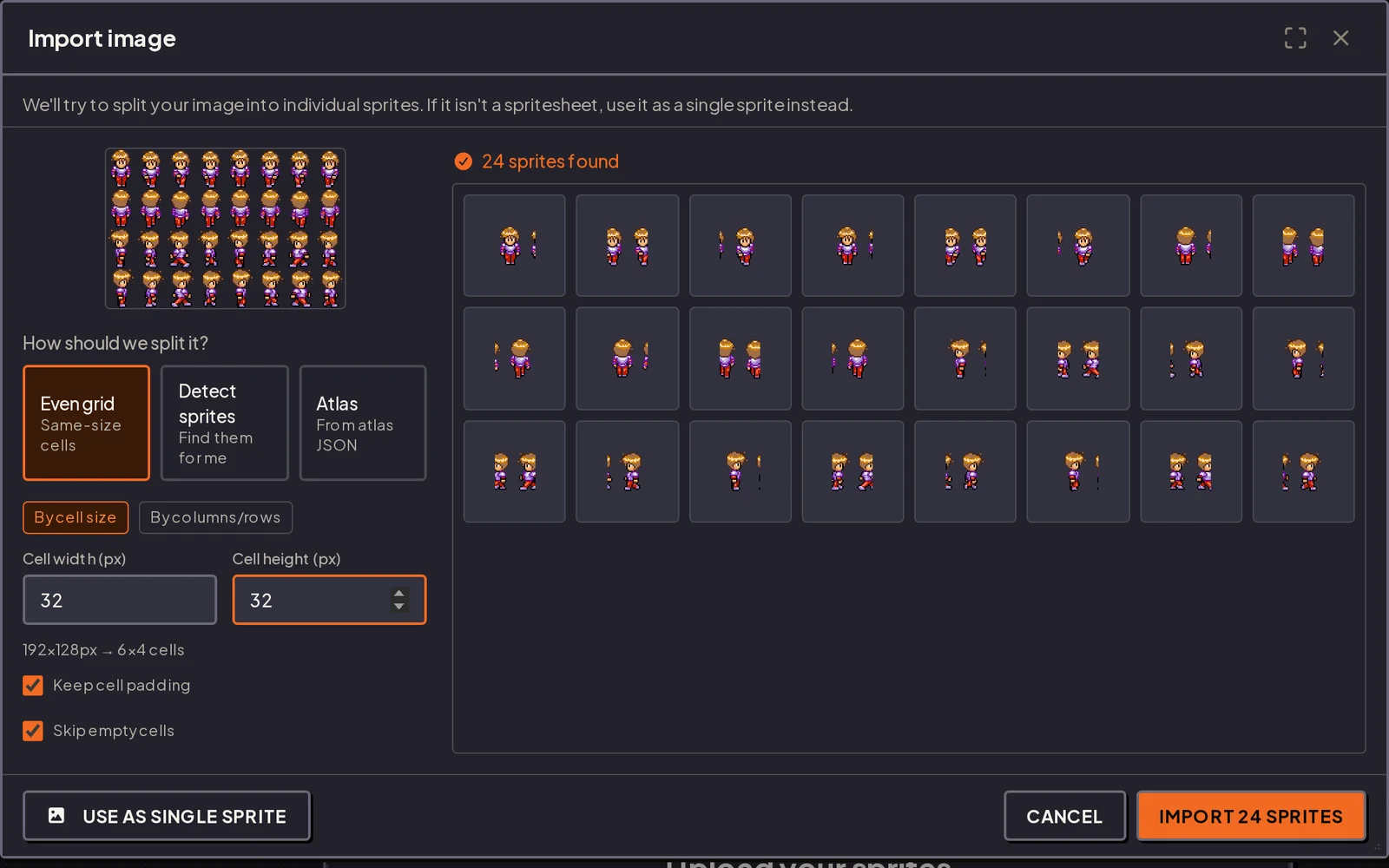
Drop in a PNG, JPG, or GIF. The importer slices it into frames on a grid, detects sprites for you, or reads an atlas JSON.
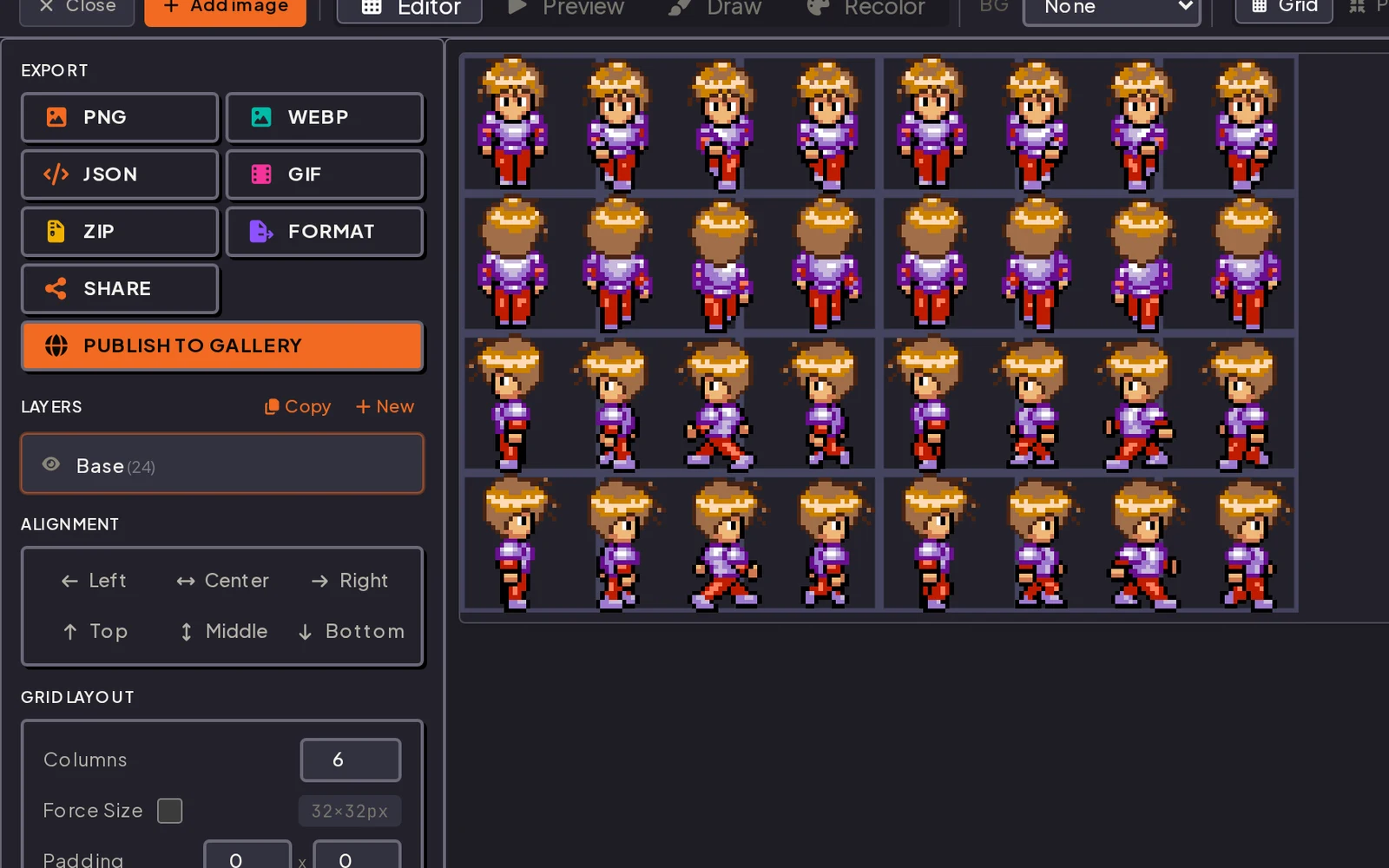
Set columns, cell size, and padding. Drag frames around, align them, and trim transparent edges for tighter sheets.
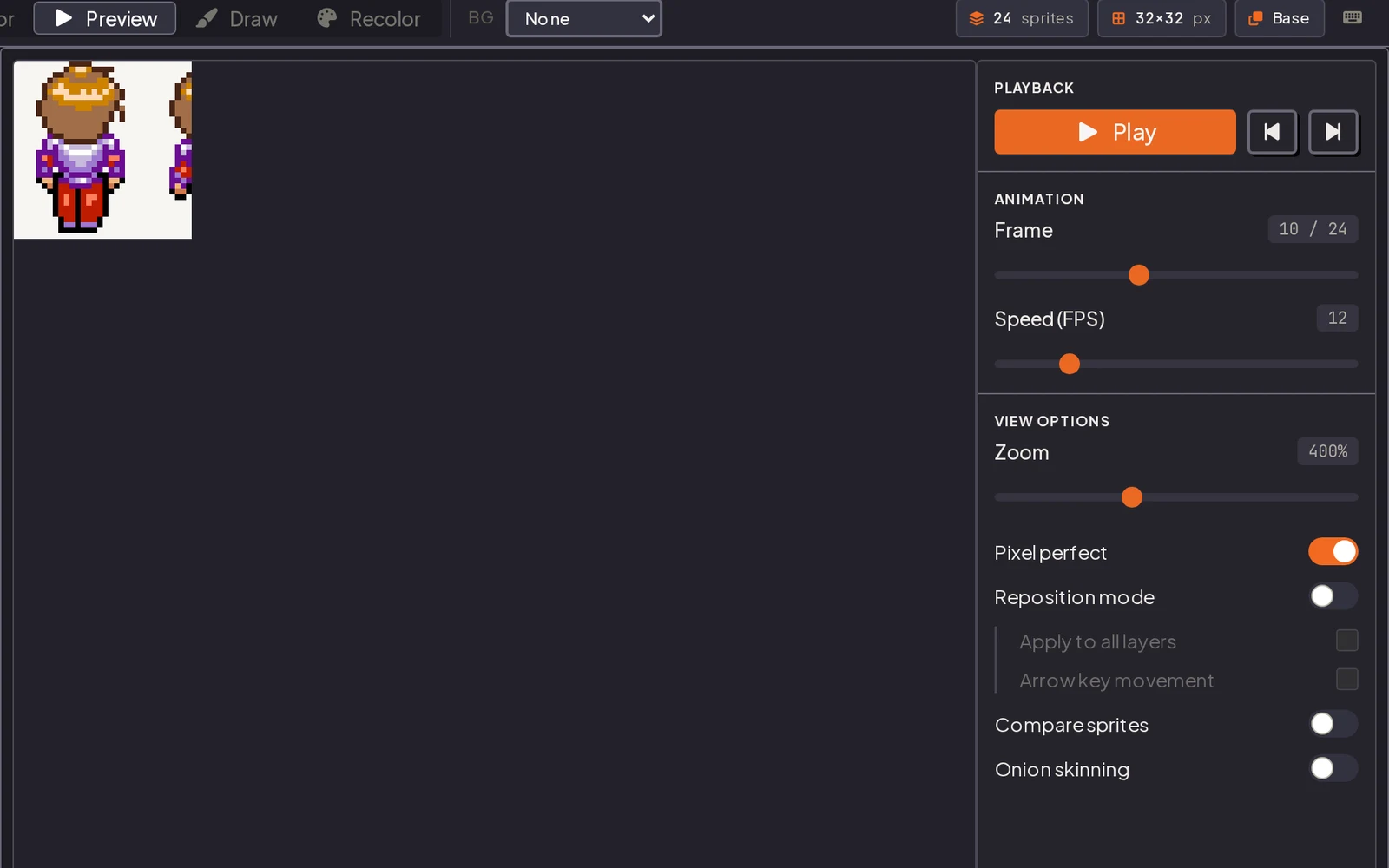
Play the frames back at any FPS, scrub the timeline, and check motion with onion skinning before you export.
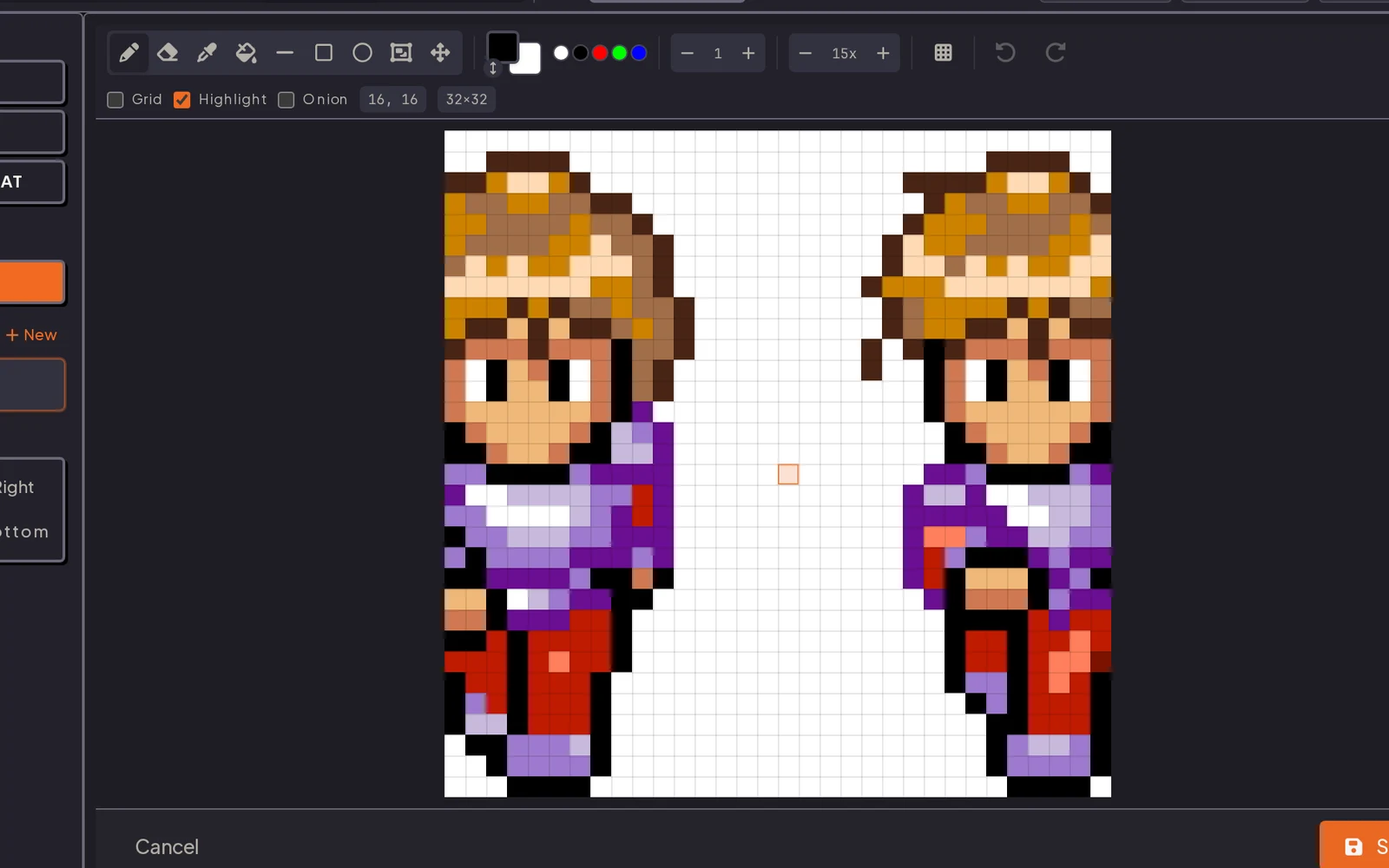
Pencil, eraser, bucket, and shape tools on a zoomable pixel grid. Edit a frame and save it straight back to the sheet.
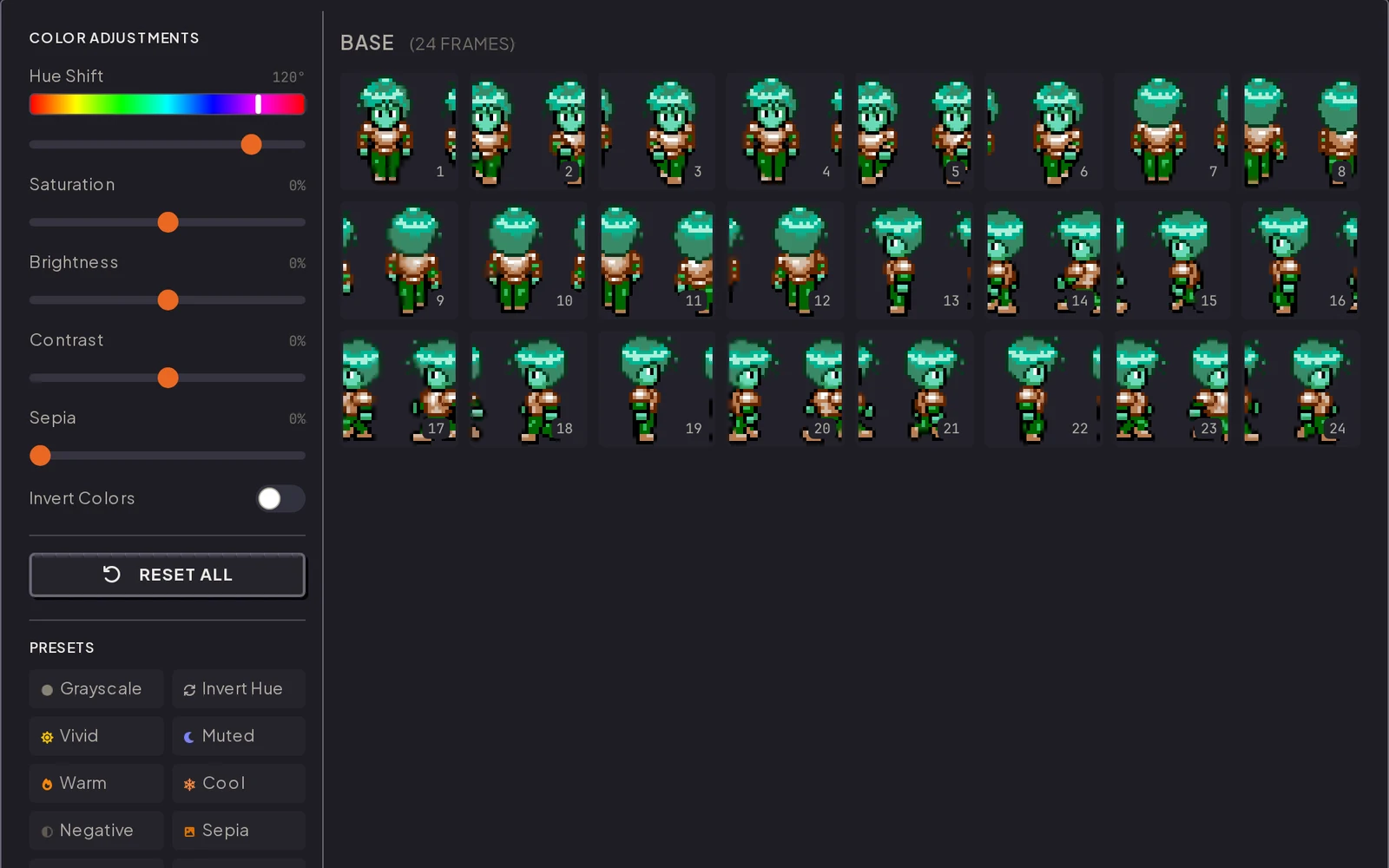
Shift hue, saturation, brightness, contrast, or sepia across the whole layer at once, or start from a preset.
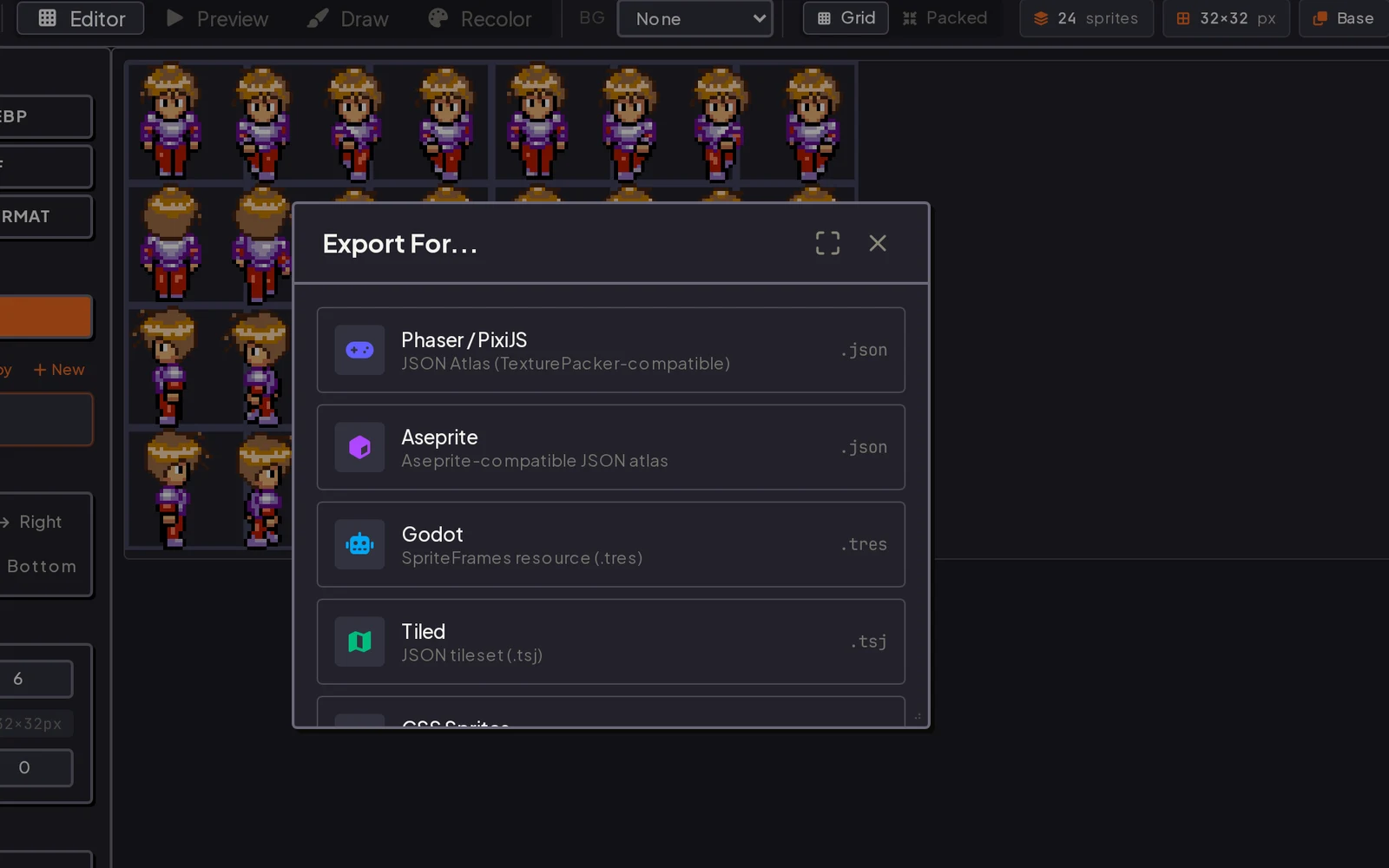
Phaser, Aseprite, Godot, Tiled, and CSS atlases, plus plain PNG, WebP, JSON, GIF, and ZIP downloads.
One tool for game devs, pixel artists, and modders. Same sheet, whatever you ship it to.
Pack character sprite sheets and 2D game assets for Unity, Godot, Phaser, or GameMaker, ready to drop straight into your engine.
Draw, recolor, and preview animation frames in the built-in sprite editor before packing them into a sheet.
Turn an animated GIF or a folder of PNGs into a packed sprite sheet with matching JSON in a couple of clicks.
Export XML atlases for Starling and Adobe Animate, or plain PNG sheets for fan games and community mods.
Real numbers, not marketing claims. Every limit below is one you can actually hit.
PNG, JPG, GIF, WebP, JSON
Animated GIFs split into frames automatically. JSON reloads a saved project.
PNG, WebP, GIF, ZIP, JSON, XML, TRES, TSJ, CSS
Engine exports ship as a ZIP: the sheet plus its atlas file, ready to drop in.
No fixed cap
Memory is the limit. A decoded 4096x4096 image holds about 64MB in RAM, whatever it weighs on disk.
Around 8192x8192
A practical ceiling, not an enforced one. Where it lands depends on your GPU, so stay under it for anything headed into an engine.
No hard limit
Bound by your device memory, not a server quota. Every sprite stays decoded in the tab.
Entirely in your browser
Packing, recolor, and export all happen locally. Nothing uploads unless you publish to the gallery.
Chrome 90+, Firefox 88+, Safari 14+, Edge 90+
Desktop and mobile both work. Older builds may load, but the layout and export can break.
Polygon packing, sprite rotation when packing, multipack across several sheets, per frame durations, command line export.
Answers on making sprite sheets: formats, sheet sizes, engine exports, and what to do when a frame comes out wrong.
More questions? See the full FAQ.
Sprite sheet guides, including screenshots, written for the editor: frames and grids, packing and padding, and importing into Godot, Unity, Phaser, and Construct.
Beginner · 6 min
A screen-by-screen walkthrough: import an image, slice it into frames, arrange the grid, preview the animation, recolor, and export for your engine.
Read guide →
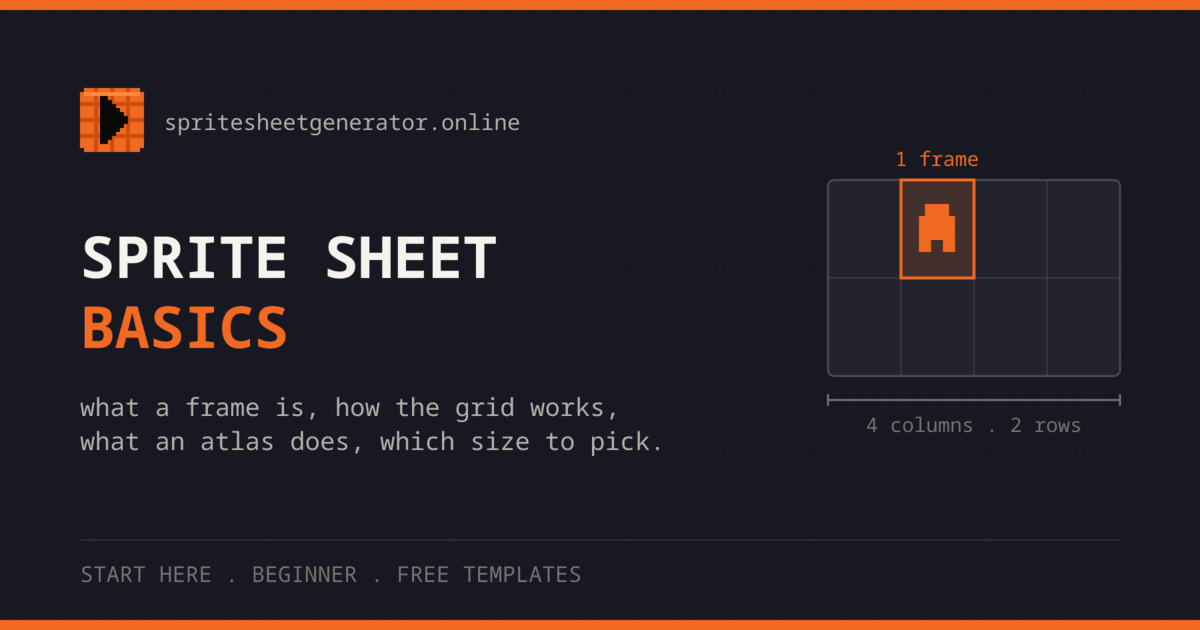
Beginner · 9 min
What a frame is, how a sprite sheet grid works, what an atlas file does, which format to use, and normal sprite sizes. Includes free blank templates.
Read guide →
Beginner · 8 min
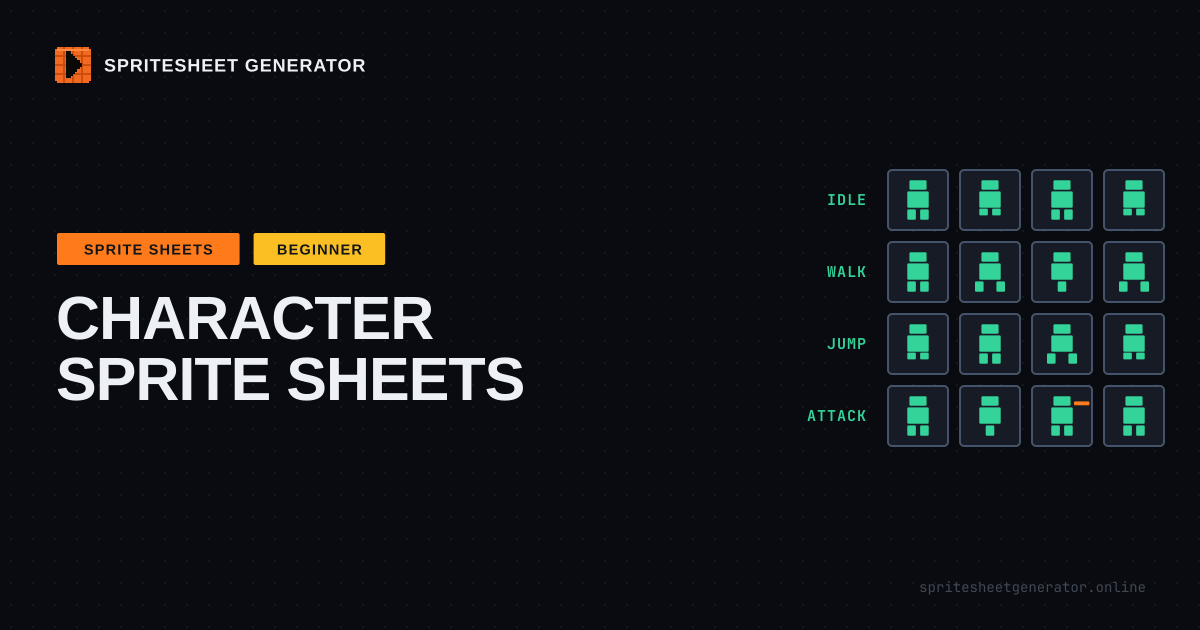
Plan a character sprite sheet before you draw it: the core animation set, how many frames each one needs, directions and mirroring, cell size, and a layout every engine can slice.
Read guide →

Spin up the editor. It takes about three seconds.