Find a sprite sheet for your game
Browse free spritesheets shared by the community. Search, filter by tag, and drop them straight into the editor.
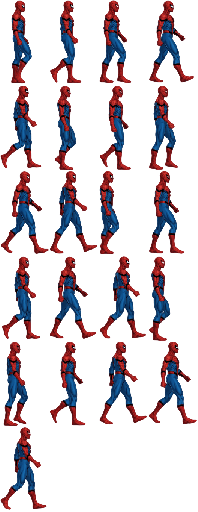
Spiderman
21 sprites · 132×227px
4096
6 sprites · 1280×720px
4096
6 sprites · 1280×720px
4096
6 sprites · 1280×720px
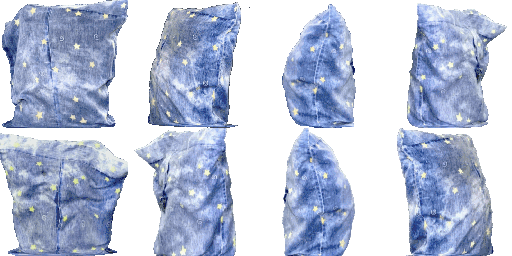
cootie
8 sprites · 498×498px
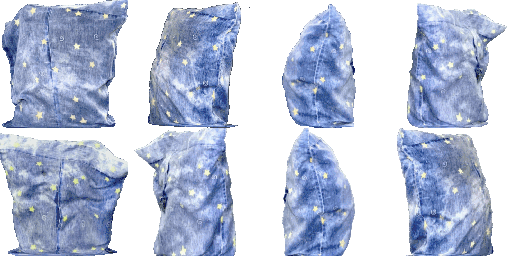
cootie gif
8 sprites · 498×498px

hi
3 sprites · 100×100px
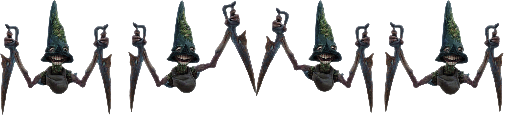
The Groundskeeper
4 sprites · 651×587px

s
4 sprites · 32×32px

OppositionOnRabiesSpriteSheet
160 sprites · 886×642px
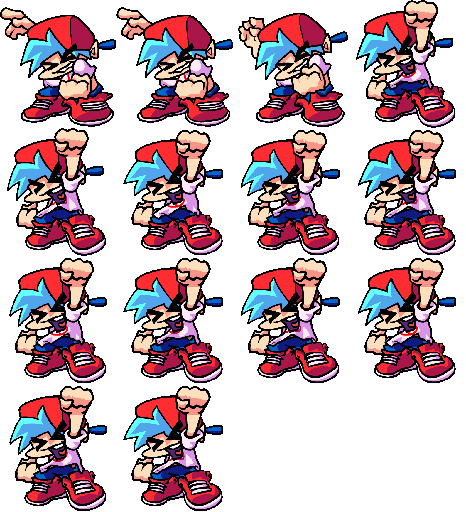
BF
14 sprites · 397×436px
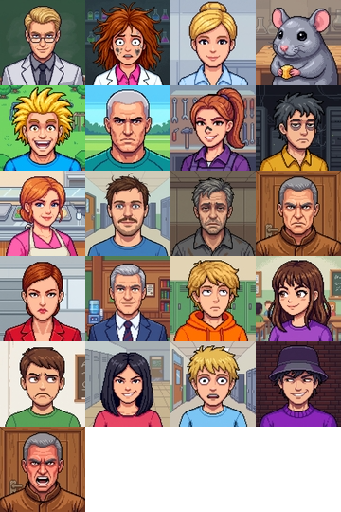
Spritesheet natlab
21 sprites · 90×90px

Sheets people finished and left here
Every asset on this page was built in the editor by someone who then chose to publish it. That makes the gallery different from an asset store listing in one important way: what you download is the project, not a flattened export. Layers, frame order, cell size, and any recolor settings all come with it, so the sheet is editable from the moment it opens.
That matters because a downloaded PNG is a dead end when the frame size is wrong for your engine. A project can be repacked at a different cell size, split back into loose frames, exported as an atlas your loader reads, or turned into a GIF for a devlog, all without opening another tool.
Placeholder art for a jam
A prototype needs something on screen more than it needs the right something. Grabbing a walk cycle from here means the movement code gets written today and the real character replaces it later, at the same frame size.
Something to take apart
Opening a finished sheet and looking at how the frames are spaced teaches more than a description does. Split it, step through the animation, and see where the artist held a pose.
A base to modify
Recolor a sheet into a second enemy variant, delete the frames you do not need, or repack it at a different cell size for your engine. The download is a project file, so all of that is one step from opening it.
Four things that make an upload useful
Publishing takes a free account and one dialog: open a sheet in the editor, hit Publish to Gallery, give it a title and a few tags. Downloading needs no account at all. The difference between an upload people use and one nobody finds comes down to the four below.
Uniform cells
A sheet on a regular grid can be sliced by anyone who downloads it. An irregular pack needs its data file, and a gallery download is a project rather than an atlas, so the grid is what travels well.
Tags that describe the content
Character, tileset, effect, UI, plus the subject and the frame size. Tags are how anything gets found here, and an untagged upload is effectively invisible three pages later.
Named layers
The download carries your layer structure, so a layer called run tells the next person which frames belong together. It also decides the animation name in a few export formats.
Trimmed margins
Wide transparent borders make every cell bigger for everyone downstream. Trim before publishing and the same art costs less texture in whatever game it ends up in.
Publish only work you have the right to release. Fan art of an existing character is the common trap: you may own the pixels you drew and still not own the character, which makes it unsafe for anyone else to ship. Anything recognisable gets removed when it is reported, and the licensing note below covers what that means for you as a downloader.
Free to use. Check the source.
Everything uploaded to the gallery is free to use as far as we are concerned. Personal projects, game jams, games you sell. No license to read, no attribution required, nothing to pay.
What we cannot clear for you is copyrighted work from somewhere else. If a sheet looks like it came out of an existing game, show, or film, the uploader had no right to release it and we take no responsibility for what happens next. Double check anything recognizable before you ship it.
Gallery to engine in three steps.
- 1
Drop it in the editor
Hit open in editor on any asset and the sprite sheet loads with its frames in place.
- 2
Split it or rebuild it
Slice the sheet into frames, trim the whitespace, repack it, or add your own sprites alongside.
- 3
Export for your engine
Grab a PNG with a JSON atlas, a Tiled tileset, an animated GIF, or a ZIP of loose frames.
Frequently asked
Answers on using gallery assets: licensing, commercial use, what a download gives you, splitting frames and publishing your own.