Sprite sheet
guides.
From your first sheet to a working import in Godot, Unity, Phaser, or Construct. Each guide is written for this editor and shows the steps in screenshots.
Getting Started: Your First Sprite Sheet
A screen-by-screen walkthrough of the editor: import and slice an image, arrange the grid, preview the animation, fix pixels, recolor, and export.
Getting Started: Your First Sprite Sheet
A screen-by-screen walkthrough of the editor: import and slice an image, arrange the grid, preview the animation, fix pixels, recolor, and export.
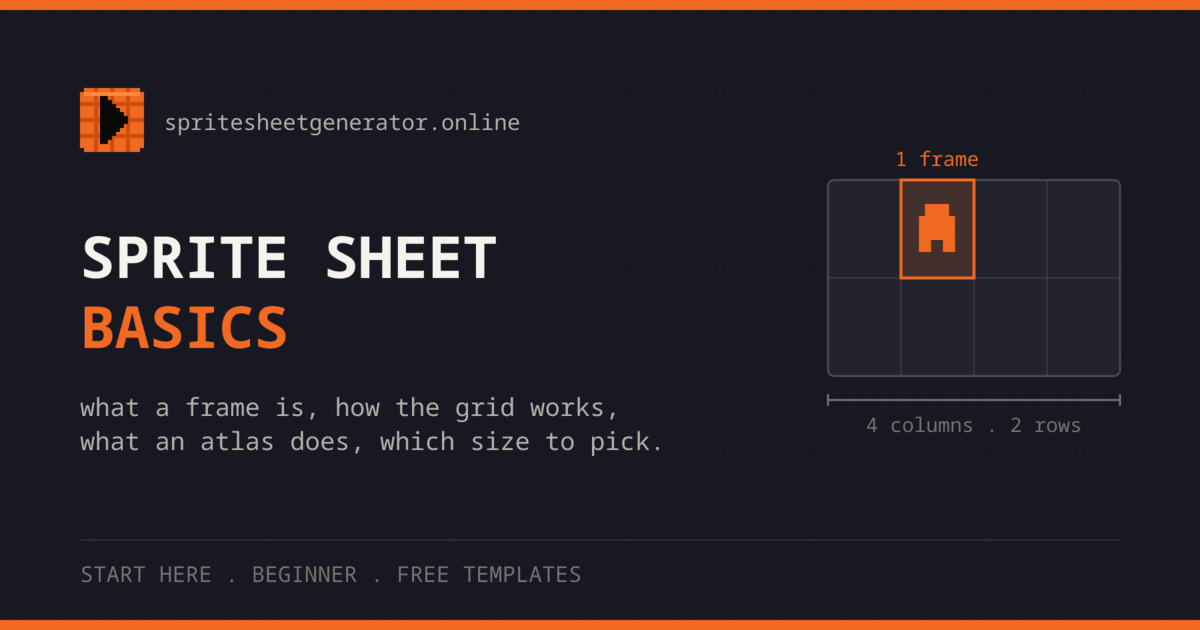
Sprite Sheet Basics Explained
What a frame, a grid, and an atlas are, why sprite sheets ship as PNG, which frame and sheet sizes are normal, and four blank grid templates to draw on.
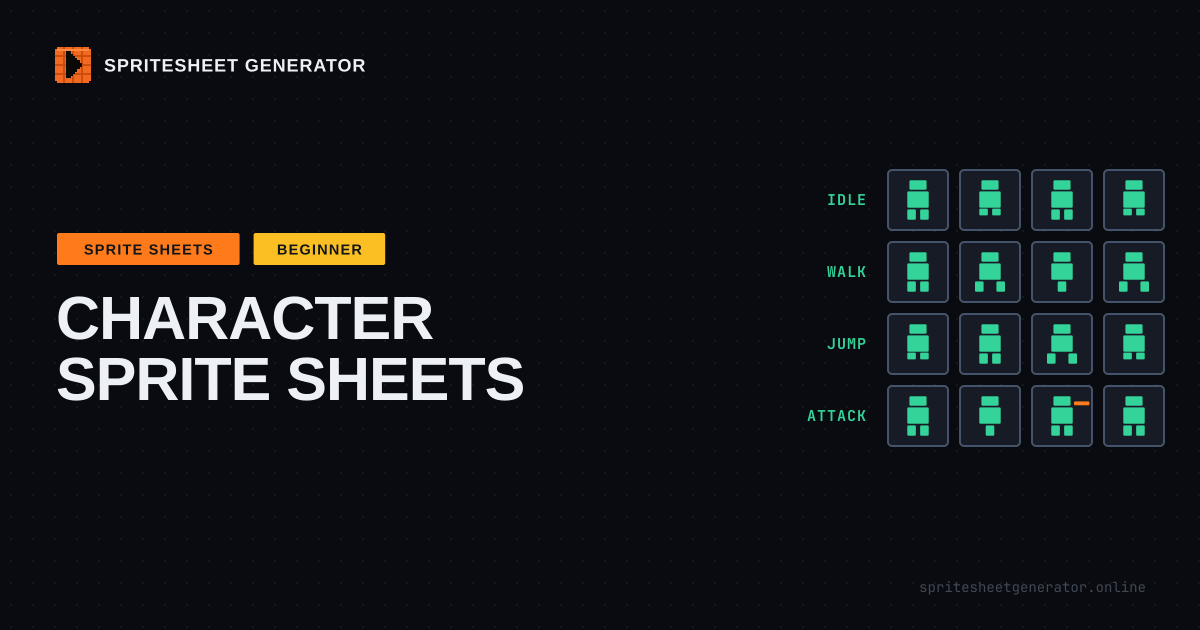
Character Sprite Sheets: Which Animations Your Game Needs
Plan a character sprite sheet before drawing it: which animations to make, frames per animation, facing directions and mirroring, cell size, and row layout.
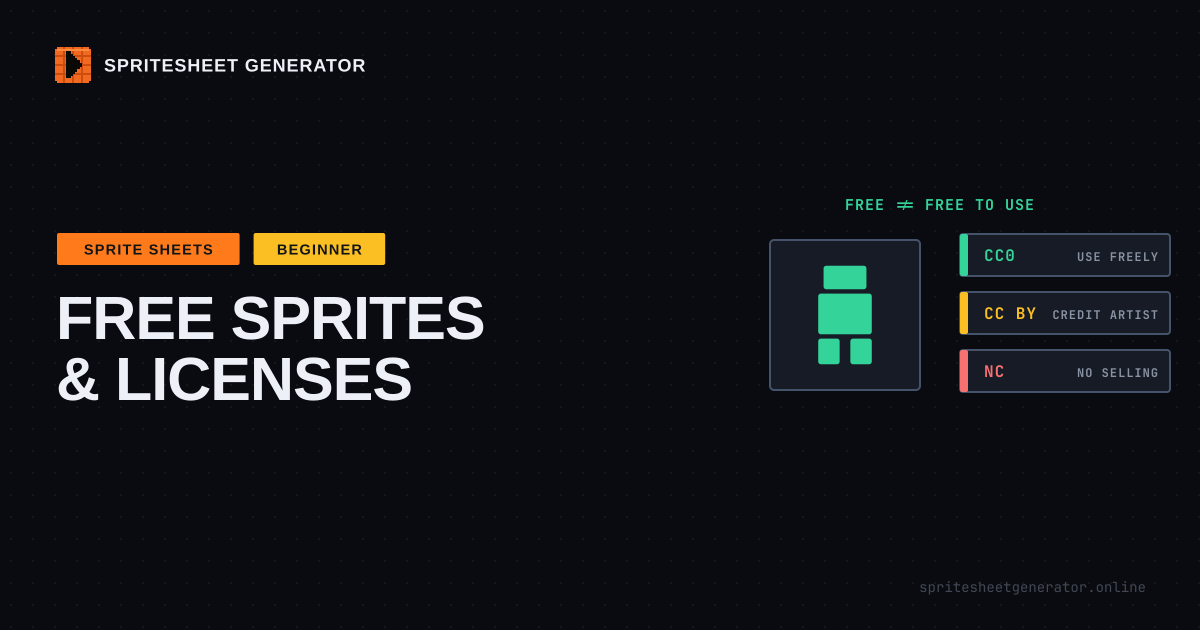
Free Sprite Sheets: Where to Find Them, What Licenses Allow
Where to find free sprite sheets, what CC0, CC BY, CC BY-SA, OGA-BY, GPL and NC licenses require of your game, and how to make art from different packs match.
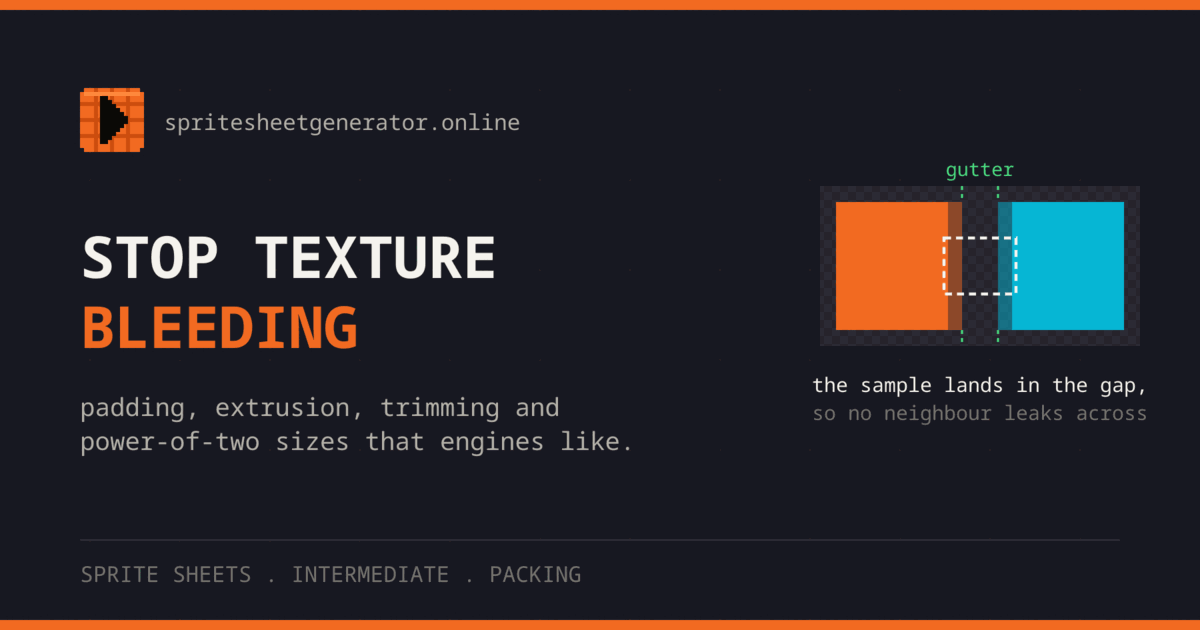
Sprite Sheet Padding: Stop Texture Bleeding
Thin lines flickering at sprite edges come from texture bleeding. How padding, edge extrusion, trimming and power-of-two atlas sizes prevent it.
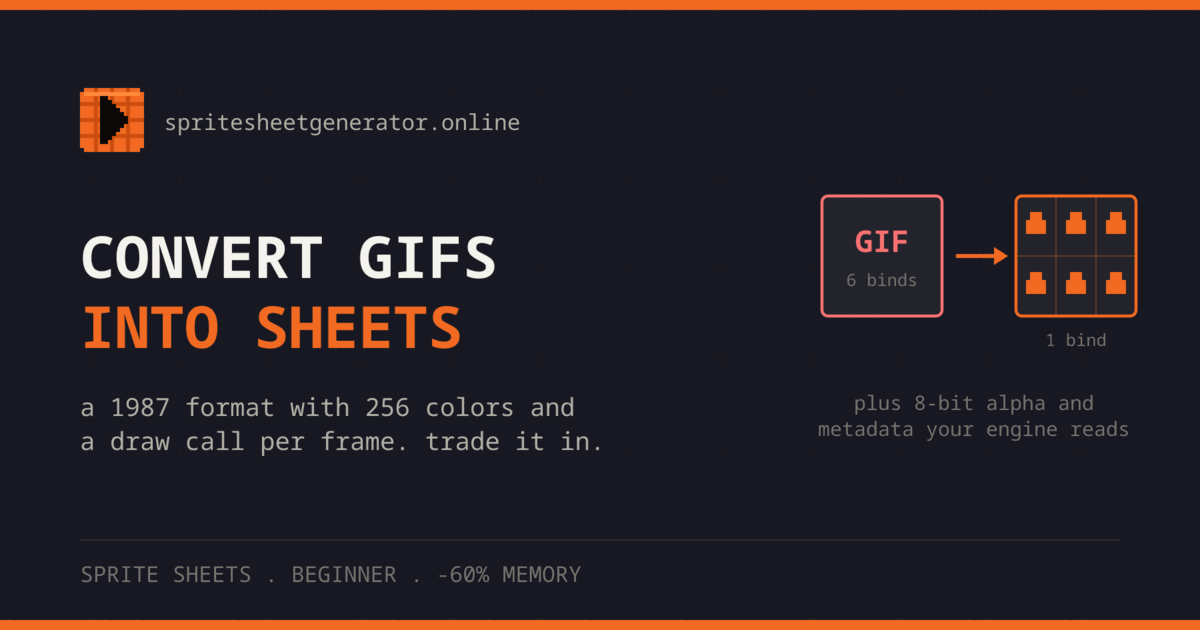
Convert GIFs into Sprite Sheets
Why animated GIFs make poor game assets, how to pull their frames into a PNG sprite sheet, and what to check: frame count, timing, and background transparency.
Color Palettes & Palette Swaps for Pixel Art
Why pixel art uses small palettes, how hue shifting and value make shading work, and how to turn one animated sprite into several color variants.
Pixel Art Animation: Timing, Poses & Walk Cycles
How a few frames read as motion: key poses, hold frames and easing, squash and anticipation, and a walk cycle you check with onion skinning before export.
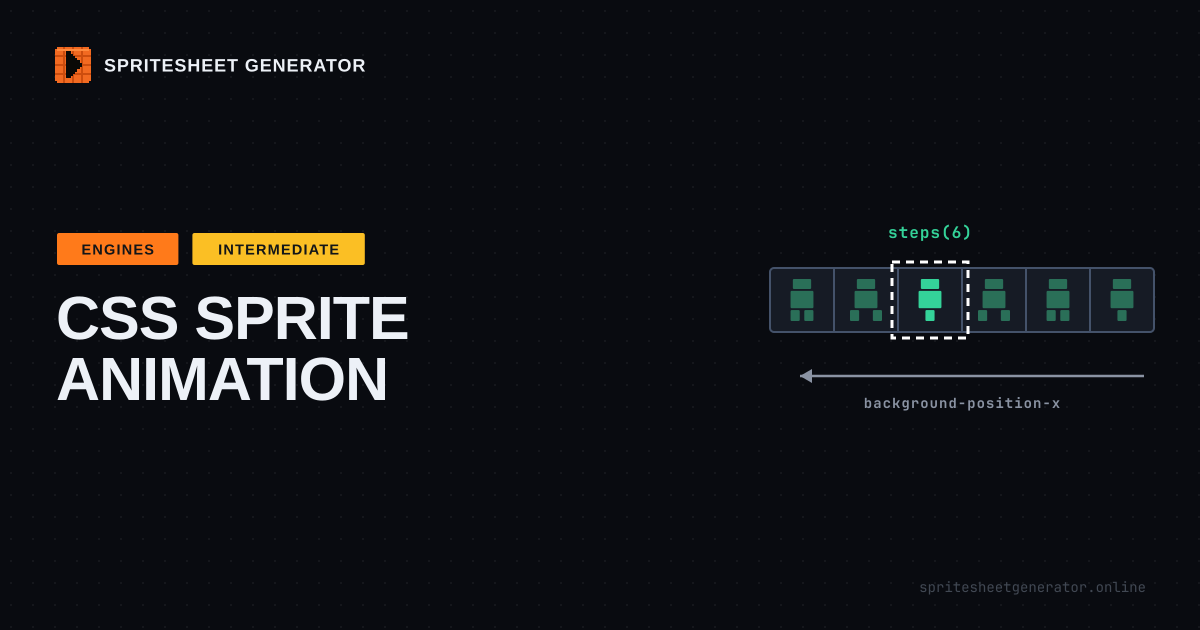
CSS Sprite Sheet Animation with steps()
Play a sprite sheet on a web page with plain CSS: steps(), the end-position off-by-one, sharp pixel art scaling, and picking an animation row with a class.
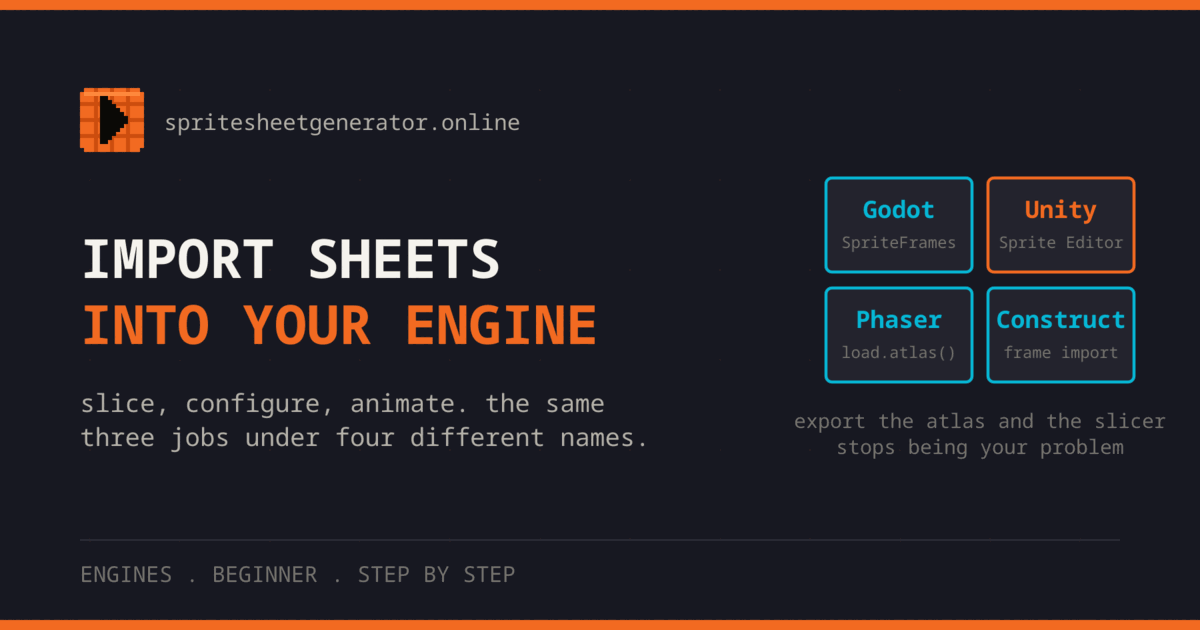
Import Sprite Sheets into Godot, Unity, Phaser and Construct
Slice, configure and animate a sprite sheet in Godot 4, Unity, Phaser and Construct 3, with the exact settings for frame size, spacing and pixel art filtering.
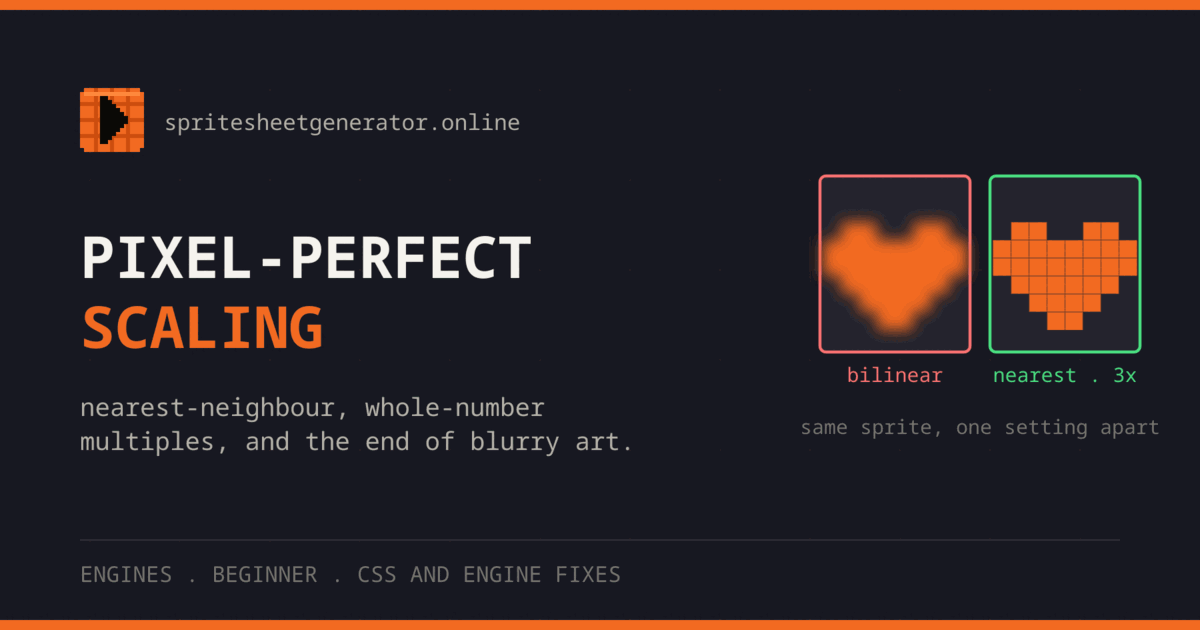
Pixel-Perfect Scaling: Fix Blurry Pixel Art
Why pixel art goes blurry when scaled up, how nearest-neighbor filtering and whole-number scale factors fix it, and what to do about moving cameras.
A path through all of it
The cards above are grouped by topic. This is the order to read them in if you are starting from nothing and want to end with a sheet that behaves in your engine.
- 1
Get something exported
One walkthrough from an empty canvas to a file your engine opens. Read this first even if you already know what a sprite sheet is, because it names the panels the other guides refer to.
- 2
Understand the sheet
What a sheet is, why engines want one, and the two decisions that cause most import problems: cell size and the gap between cells. If frames drift or bleed after import, the packing and padding guide is where to look.
- 3
Make it move
Timing, spacing, and the frame counts that read well at small sizes, then the practical route from an animated GIF into frames you can pack.
- 4
Make it look right in engine
Filtering, integer scaling, and camera snapping, then palette work for variants, then the engine specific import steps. A correct sheet can still look wrong in an engine, and the cause is nearly always a setting, not the art.
Find the guide by what went wrong
Most people show up because something looks wrong on screen. This table lists common symptoms and the guide that fixes each one.
| What you are seeing | Usually because | Read |
|---|---|---|
| Frames drift sideways as the animation plays | Cell size or padding does not match what the sheet was exported with. | Open guide |
| Pixel art is blurry in the engine | Texture filtering is set to linear. Most engines default to it, and each has one setting to switch it to nearest. | Open guide |
| A thin line of the next frame shows at the edges | Texture bleeding. Add a gutter, or let the engine extrude the frame borders. | Open guide |
| The character bobs up and down while walking | Trimmed frames are aligned to their own bounding box instead of to a common pivot. | Open guide |
| The walk cycle plays in a jumbled order | Files sorted alphabetically rather than numerically. Pad the numbers in the filenames. | Open guide |
| The animation looks stiff at any frame rate | Even spacing. Good motion holds on the extremes and moves fast through the middle. | Open guide |
| A GIF became a sheet full of duplicate cells | GIFs repeat frames to fake timing. Drop the repeats and let the engine hold frames instead. | Open guide |
| A recolored enemy lost its shading | The hue rotation kept lightness and collapsed the value contrast the sprite relied on. | Open guide |
| Pixels shimmer whenever the camera moves | The camera is at a fractional position. Snap transforms, or scale by whole numbers only. | Open guide |
| The engine will not read the exported data file | The wrong format for that loader. Each engine has one it reads without a plugin. | Open guide |
Every guide here was written against the editor as it currently behaves, with screenshots taken from it rather than from an older release. Engine steps name the exact menu path and the exact field, because a guide that says configure your import settings is a guide that helps nobody. Where a version changed a dialog, the guide says which version.
The level badge on each card is about assumed knowledge rather than difficulty. Beginner means nothing is taken for granted, not that the material is trivial, and advanced means the guide expects you to already know what a cell size is. Reading times are measured, not estimated, so a twelve minute guide is twelve minutes of reading and rather longer if you follow along in the editor with your own frames, which is the way to read all of them.